

Generative AI Workshop teaches Staff and Faculty about AI!
"I learned many facts and concepts about AI that I did not know previously...This will help my department increase our productivity." -Melanie Allen, Environmental Health and Safety Director
"I learned many facts and concepts about AI that I did not know previously...This will help my department increase our productivity." -Melanie Allen, Environmental Health and Safety Director
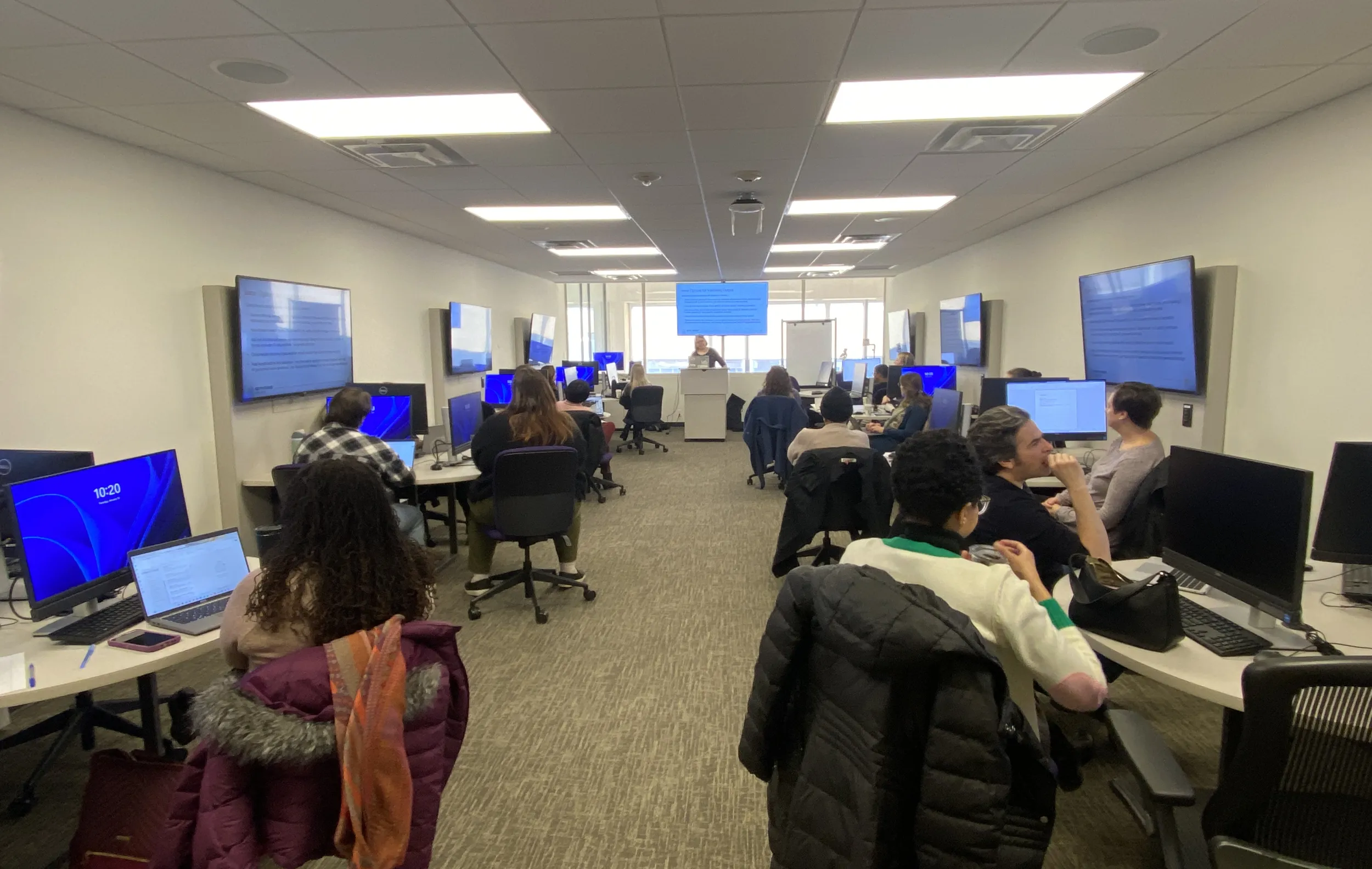
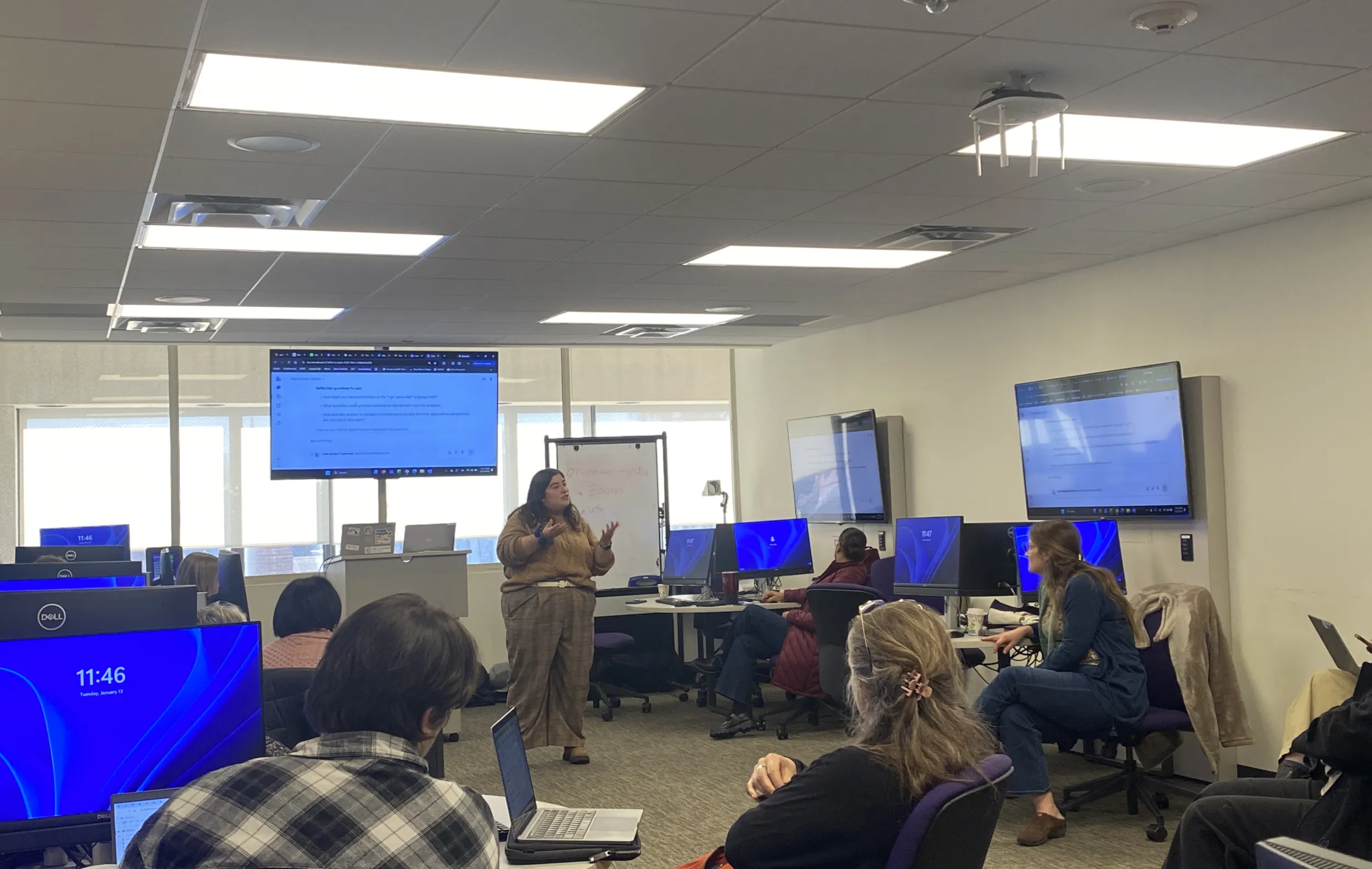
On January 13th, The Educational and Scholarly Technology Team (EAST) hosted staff and faculty for workshops on using Generative AI (GenAI) resources. The sessions covered best practices for using GenAI, as well as tools that are available to members of the college community like Microsoft Copilot, Adobe Firely, and Boodlebox. In a separate session, Participants also learned about how to use Zoom's AI Companion to enhance meetings
Jenny Spohrer, EAST’s Director, said her team organized the sessions so that community members could determine how best to use GenAI in their day-to-day work. Spohrer opened the first workshop by discussing what effective GenAI would look like, particularly keeping mind Bryn Mawr’s College’s data handling policy and its current Privacy and security guidelines on the subject. “A key benefit of using college-recommended AI tools is the assurance that, under Bryn Mawr’s contracts, any data uploaded or generated will not be used to train external AI models or respond to queries from other users,” said Spohrer. “This provides stronger data practice compared to more public tools, so we wanted staff aware of that before anything else.”
From there, Spohrer introduced the 4D Framework for AI Fluency, which covers what successful AI usage looks like. The sessions also included tips on effective prompt engineering, which participants used to write successful sample prompts that yield accurate and useful responses. Nonetheless, Spohrer also emphasized the importance of verifying AI-generated content, remarking during her session "GenAI works only with the information it has and validity always comes with context".
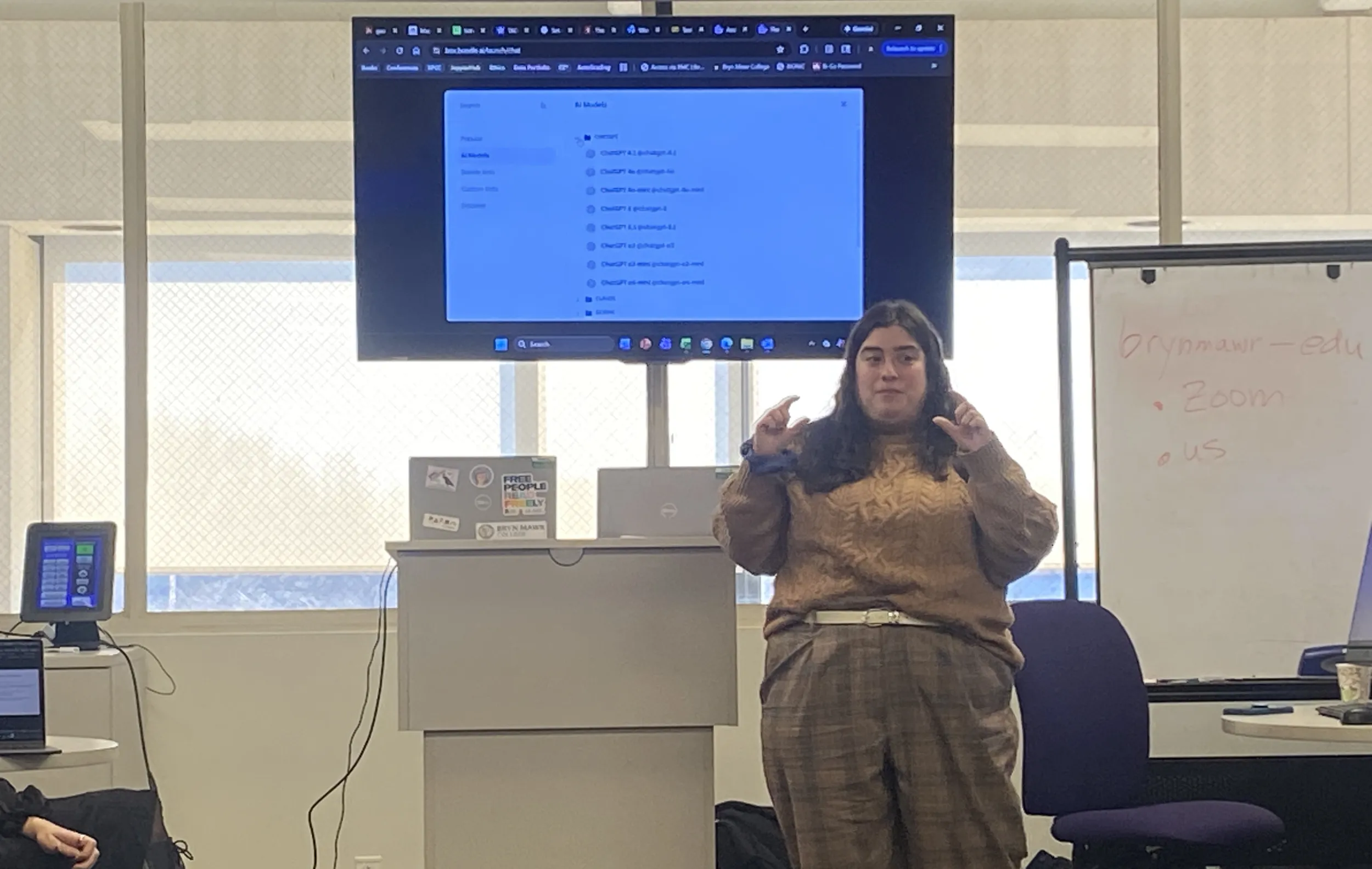
Spohrer ended her session by discussing the differences between different AI models offered by the college. While Microsoft Copilot can be used for a range of tasks in Microsoft 365 programs and shows the logic behind the queries, Adobe Firefly specializes in generating images and videos. Meanwhile BoodleBox, which is currently being offered on a pilot basis to staff and faculty, offers a library of common Large Language Models and enables community members to collaboratively use them.
After a break, Sean Keenan, Educational Technology Specialist, presented on Zoom AI Companion. Keenan showed how this tool, natively built into Zoom can do things like synthesize meeting notes, answers users’ questions about meetings, and create task lists for after meetings.– “You no longer have to worry about what was asked of you during minute five of a two-hour long meeting,” Keenan said. “You can just Zoom AI companion to look it up”.
Finally, different members of EAST showed real-life examples of how they’ve used GenAI in their work. In one example, Alyssa Pivirotto, Data Science Instructional Support Coordinator and Lecturer of Data Science, shared her experience creating a custom chatbot for a Bryn Mawr course she taught on data feminism. The chatbot provided students sample cases that forced them to think through data ethics. to provide students with example cases, demonstrating practical application inside the classroom for student learning, saying “I hope exercises like this will encourage students to think critically about both generative AI and data ethics,”.” Pivirotto said.
If you are interested in learning more about other Educational Technology events happening this week, please check out Introduction to ACCESS Resources, Intro to Open Educational Resources, and Using the Makerspace in your classes.